跳到主要內容

Desktop

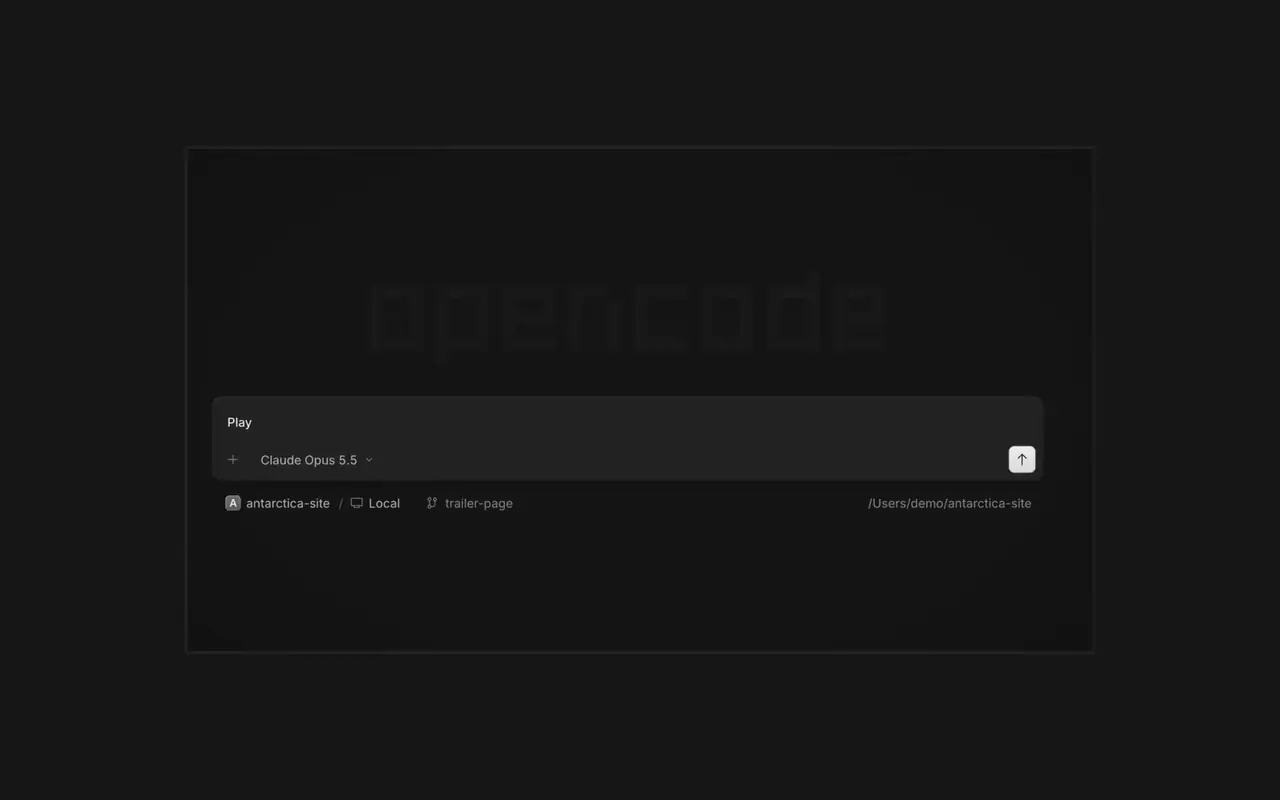
同時執行多個代理,每個工作階段都有獨立的分頁。以 diff 審查每項變更,在任何一行留言,並在內建瀏覽器中檢查結果。支援 macOS、Windows 和 Linux。

功能

平行代理

想啟動多少個代理都可以,讓它們全部平行工作。哪個完成了,就切換過去查看。

在瀏覽器中查看

你的應用程式會在代理旁的瀏覽器中開啟,你和代理都能看到每項變更落地。

在每台裝置上

在你的所有裝置上啟動代理,並在桌面應用程式、終端機或手機上繼續。

擴充它

連接你的工具和服務,讓代理能處理任何事情。或者讓 OpenCode 為自己建立外掛程式,並在側邊欄中擁有自己的介面。

更新日誌

  1. v2.2.6

    Mobile Composer Dock

    On phones and tablets, composer actions now sit in a touch dock above the keyboard with larger buttons.#61773

    改進

    • DesktopAdded close-other-tabs and close-tabs-after actions to the tab menu.#61631
    • DesktopAdded unread-session grouping in Inbox and failed-run indicators on tabs.#61691#62077
    • DesktopMCP sign-in now accepts a pasted redirect URL when automatic redirection is unavailable.#61706
    • DesktopMarkdown file previews now display frontmatter as a properties list.#60333
    還有 2 項 改進

    修正

    • DesktopImproved prompt submission and timeline behavior during loading, reconnects, retries, scrolling, compaction, and optimistic delivery.#62025#62037#61932#62151
    • DesktopSurface loading and offline failures in review previews, file search, details, Word pages, and review diffs instead of showing empty or clean results.#62114#61862
    • DesktopFixed provider connection, MCP sign-in, settings, and plugin loading flows that could become stuck after failures.#62102#61917#61580
    • DesktopPreserve drafts, focus, caret position, queued prompts, and selected terminal tabs across failed or concurrent transitions.#61579#61969#61852
    還有 6 項 修正
  2. v2.2.5

    Worktree and Shell Mode Shortcuts

    Press ⌘⌥O on macOS or Ctrl+Alt+O on Windows and Linux to choose a worktree, and ⌘⌥B or Ctrl+Alt+B to choose its base branch. ⌘⇧X or Ctrl+Shift+X now toggles shell mode in the composer.#60713

    Send Quotes From the Comment Popup

    Hold ⌘ or Ctrl in the quote popup to turn its checkmark into send, or press ⌘Enter or Ctrl+Enter, to send just that quote and comment while leaving the rest of the composer untouched.#60640

    改進

    • DesktopAdded flat input surfaces and a compact input size.#60598

    修正

    • Terminal, DesktopThe connect menu no longer lists MCP servers, which are managed in their own place.#60675
    • DesktopAdded the missing top inset to the search field in the recently closed menu.#60652
  3. v2.2.4

    Persistent Desktop Terminals

    Desktop terminals now belong to the session, survive server restarts with their scrollback, and stay synchronized with the TUI and other windows. Renamed terminals also keep their names across restarts.#60346

    Guided Claude Agent Setup

    Select Claude Agent from the provider picker to copy claude auth login, install Claude Code, and verify the connection before continuing to model selection.#60603

    Choose a Base Branch Quickly

    While creating a worktree, open Choose base branch with ⌘⌥. on macOS or Ctrl+Alt+. on Windows and Linux. The command is also available in the command palette and Settings › Shortcuts.#60579


    改進

    • DesktopSimplified the session location popover and made long paths easier to read.#60492

    修正

    • DesktopKept terminal tab clicks and rename fields attached to the intended tab.#60645
    • DesktopListed matching commands before sessions in command-palette search.#60616
    • DesktopRestored copying user messages from an open actions menu.#60576
    • DesktopReduced repeated work and allocations while streaming Markdown, especially in long sessions.#60549#60562#60577
查看所有更新