Vai al contenuto

Desktop

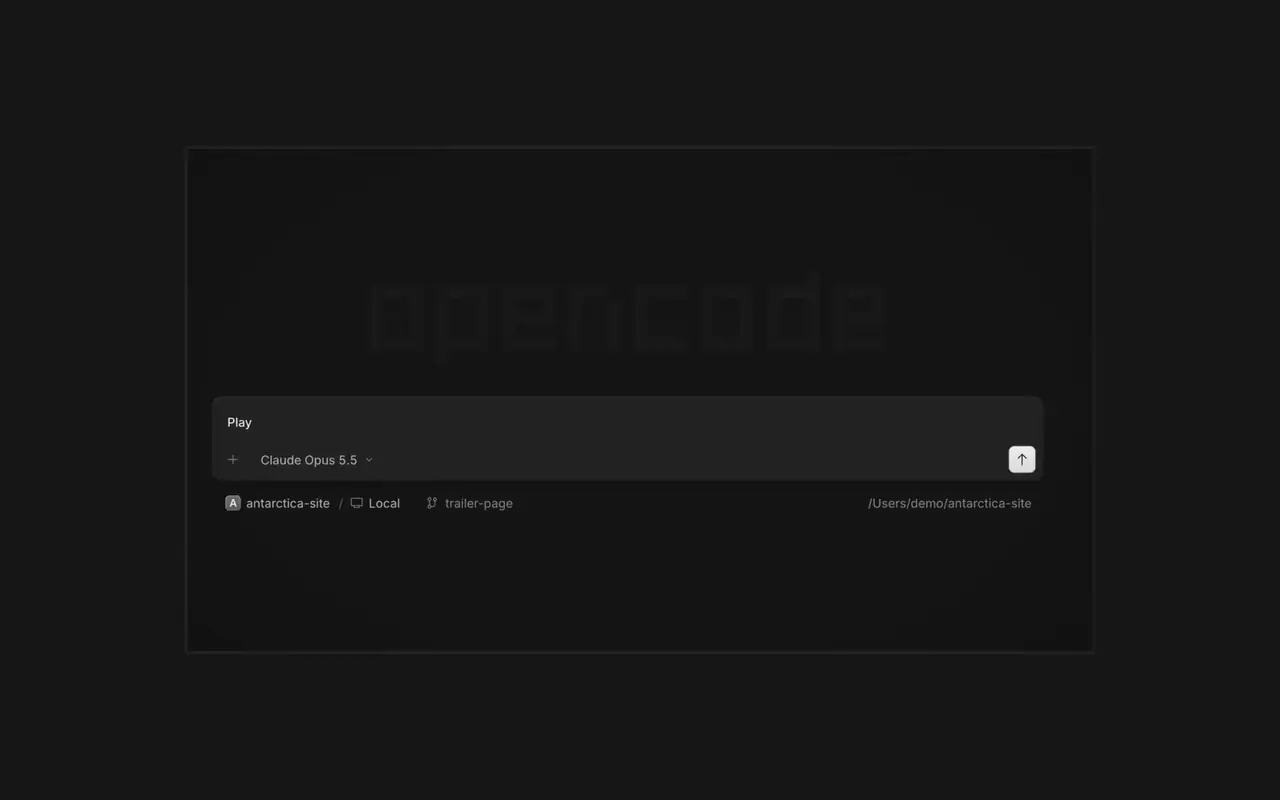
Esegui più agenti insieme, ogni sessione nella sua scheda. Rivedi ogni modifica come diff, commenta qualsiasi riga e controlla il risultato nel browser integrato. Per macOS, Windows e Linux.

Funzionalità

Agenti in parallelo

Avvia tutti gli agenti che vuoi e lasciali lavorare in parallelo. Passa dall'uno all'altro man mano che finiscono.

Guardalo nel browser

La tua app si apre in un browser accanto all'agente, così entrambi vedete ogni modifica appena arriva.

Su ogni dispositivo

Avvia agenti su tutti i tuoi dispositivi e riprendili dall'app desktop, dal terminale o dal telefono.

Estendilo

Collega i tuoi strumenti e servizi così l'agente può lavorare con qualsiasi cosa. Oppure fai creare a OpenCode plugin per sé stesso, con la loro interfaccia nella barra laterale.

Changelog

  1. v2.2.6

    Mobile Composer Dock

    On phones and tablets, composer actions now sit in a touch dock above the keyboard with larger buttons.#61773

    Miglioramenti

    • DesktopAdded close-other-tabs and close-tabs-after actions to the tab menu.#61631
    • DesktopAdded unread-session grouping in Inbox and failed-run indicators on tabs.#61691#62077
    • DesktopMCP sign-in now accepts a pasted redirect URL when automatic redirection is unavailable.#61706
    • DesktopMarkdown file previews now display frontmatter as a properties list.#60333
    Altri 2 miglioramenti

    Correzioni

    • DesktopImproved prompt submission and timeline behavior during loading, reconnects, retries, scrolling, compaction, and optimistic delivery.#62025#62037#61932#62151
    • DesktopSurface loading and offline failures in review previews, file search, details, Word pages, and review diffs instead of showing empty or clean results.#62114#61862
    • DesktopFixed provider connection, MCP sign-in, settings, and plugin loading flows that could become stuck after failures.#62102#61917#61580
    • DesktopPreserve drafts, focus, caret position, queued prompts, and selected terminal tabs across failed or concurrent transitions.#61579#61969#61852
    Altri 6 correzioni
  2. v2.2.5

    Worktree and Shell Mode Shortcuts

    Press ⌘⌥O on macOS or Ctrl+Alt+O on Windows and Linux to choose a worktree, and ⌘⌥B or Ctrl+Alt+B to choose its base branch. ⌘⇧X or Ctrl+Shift+X now toggles shell mode in the composer.#60713

    Send Quotes From the Comment Popup

    Hold ⌘ or Ctrl in the quote popup to turn its checkmark into send, or press ⌘Enter or Ctrl+Enter, to send just that quote and comment while leaving the rest of the composer untouched.#60640

    Miglioramenti

    • DesktopAdded flat input surfaces and a compact input size.#60598

    Correzioni

    • Terminal, DesktopThe connect menu no longer lists MCP servers, which are managed in their own place.#60675
    • DesktopAdded the missing top inset to the search field in the recently closed menu.#60652
  3. v2.2.4

    Persistent Desktop Terminals

    Desktop terminals now belong to the session, survive server restarts with their scrollback, and stay synchronized with the TUI and other windows. Renamed terminals also keep their names across restarts.#60346

    Guided Claude Agent Setup

    Select Claude Agent from the provider picker to copy claude auth login, install Claude Code, and verify the connection before continuing to model selection.#60603

    Choose a Base Branch Quickly

    While creating a worktree, open Choose base branch with ⌘⌥. on macOS or Ctrl+Alt+. on Windows and Linux. The command is also available in the command palette and Settings › Shortcuts.#60579


    Miglioramenti

    • DesktopSimplified the session location popover and made long paths easier to read.#60492

    Correzioni

    • DesktopKept terminal tab clicks and rename fields attached to the intended tab.#60645
    • DesktopListed matching commands before sessions in command-palette search.#60616
    • DesktopRestored copying user messages from an open actions menu.#60576
    • DesktopReduced repeated work and allocations while streaming Markdown, especially in long sessions.#60549#60562#60577
Vedi tutti gli aggiornamenti