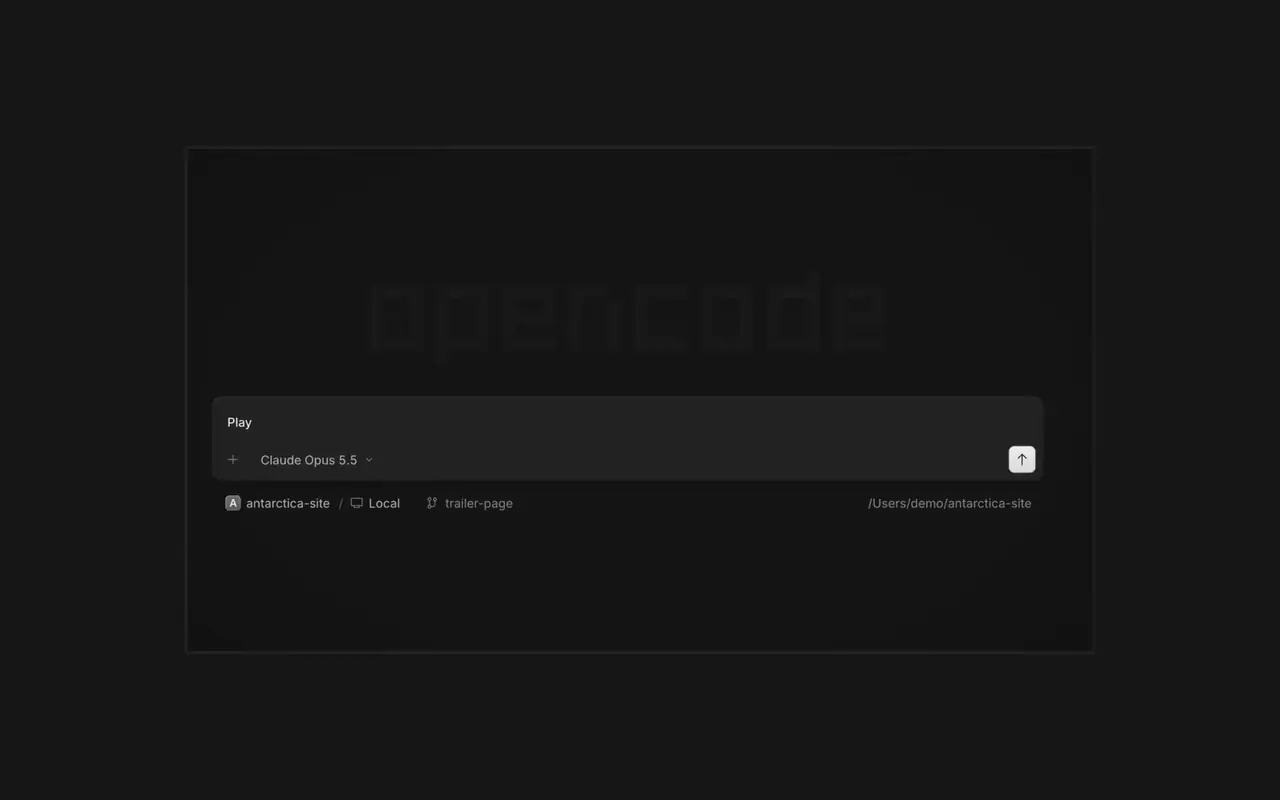

Parallelle agenter
Start så mange agenter, du vil, og lad dem alle arbejde parallelt. Skift mellem dem, efterhånden som de bliver færdige.
Start så mange agenter, du vil, og lad dem alle arbejde parallelt. Skift mellem dem, efterhånden som de bliver færdige.

Din app åbner i en browser ved siden af agenten, så I begge ser hver ændring lande.

Start agenter på alle dine enheder, og fortsæt i desktop-appen, terminalen eller på din telefon.
Forbind dine værktøjer og tjenester, så agenten kan arbejde med alt. Eller lad OpenCode bygge plugins til sig selv med deres egen brugerflade i sidepanelet.
On phones and tablets, composer actions now sit in a touch dock above the keyboard with larger buttons.#61773
Press ⌘⌥O on macOS or Ctrl+Alt+O on Windows and Linux to choose a worktree, and ⌘⌥B or Ctrl+Alt+B to choose its base branch. ⌘⇧X or Ctrl+Shift+X now toggles shell mode in the composer.#60713
Hold ⌘ or Ctrl in the quote popup to turn its checkmark into send, or press ⌘Enter or Ctrl+Enter, to send just that quote and comment while leaving the rest of the composer untouched.#60640
Desktop terminals now belong to the session, survive server restarts with their scrollback, and stay synchronized with the TUI and other windows. Renamed terminals also keep their names across restarts.#60346
Select Claude Agent from the provider picker to copy claude auth login, install Claude Code, and verify the connection before continuing to model selection.#60603
While creating a worktree, open Choose base branch with ⌘⌥. on macOS or Ctrl+Alt+. on Windows and Linux. The command is also available in the command palette and Settings › Shortcuts.#60579