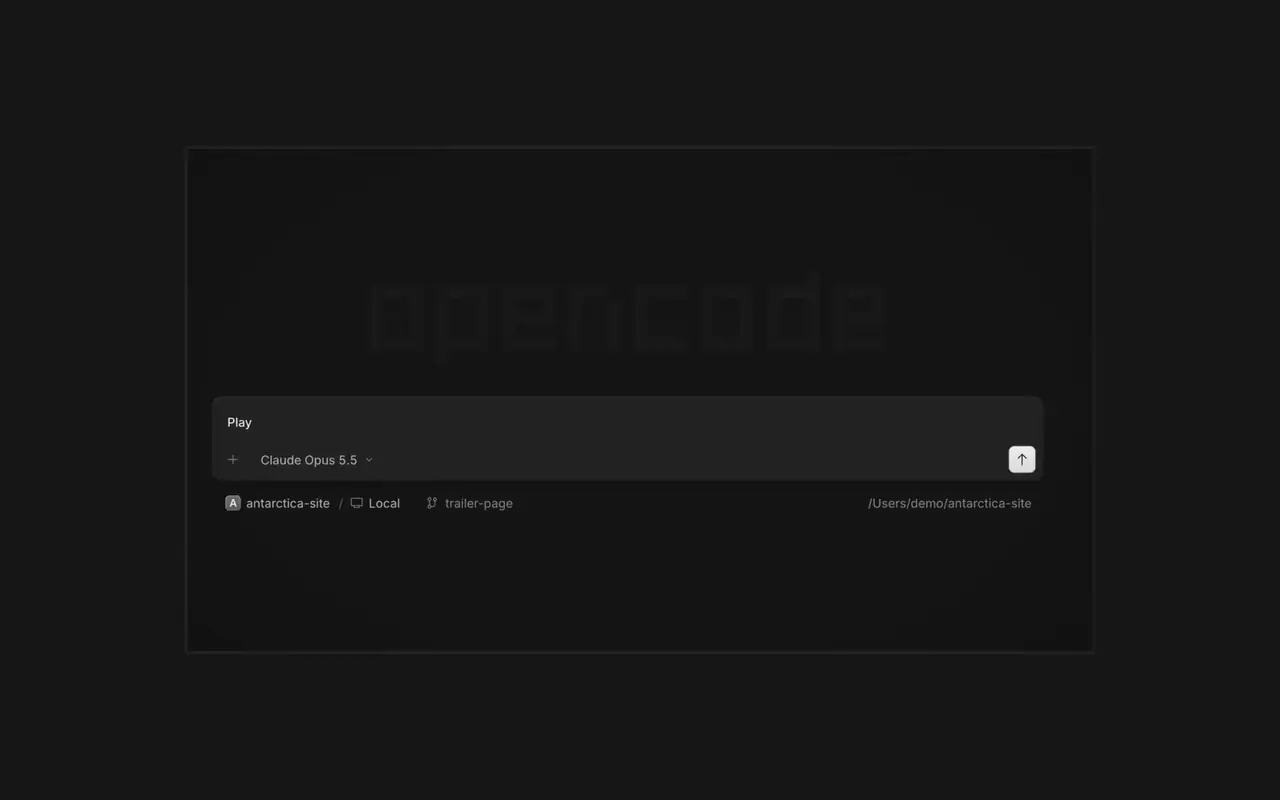

Agents en parallèle
Lancez autant d'agents que vous voulez et laissez-les tous travailler en parallèle. Passez de l'un à l'autre à mesure qu'ils terminent.
Lancez autant d'agents que vous voulez et laissez-les tous travailler en parallèle. Passez de l'un à l'autre à mesure qu'ils terminent.

Votre app s'ouvre dans un navigateur à côté de l'agent, pour que vous voyiez tous les deux chaque changement arriver.

Lancez des agents sur tous vos appareils et reprenez-les depuis l'app desktop, le terminal ou votre téléphone.
Connectez vos outils et services pour que l'agent puisse travailler avec tout. Ou demandez à OpenCode de créer ses propres plugins, avec leur interface dans la barre latérale.
On phones and tablets, composer actions now sit in a touch dock above the keyboard with larger buttons.#61773
Press ⌘⌥O on macOS or Ctrl+Alt+O on Windows and Linux to choose a worktree, and ⌘⌥B or Ctrl+Alt+B to choose its base branch. ⌘⇧X or Ctrl+Shift+X now toggles shell mode in the composer.#60713
Hold ⌘ or Ctrl in the quote popup to turn its checkmark into send, or press ⌘Enter or Ctrl+Enter, to send just that quote and comment while leaving the rest of the composer untouched.#60640
Desktop terminals now belong to the session, survive server restarts with their scrollback, and stay synchronized with the TUI and other windows. Renamed terminals also keep their names across restarts.#60346
Select Claude Agent from the provider picker to copy claude auth login, install Claude Code, and verify the connection before continuing to model selection.#60603
While creating a worktree, open Choose base branch with ⌘⌥. on macOS or Ctrl+Alt+. on Windows and Linux. The command is also available in the command palette and Settings › Shortcuts.#60579