
Voice
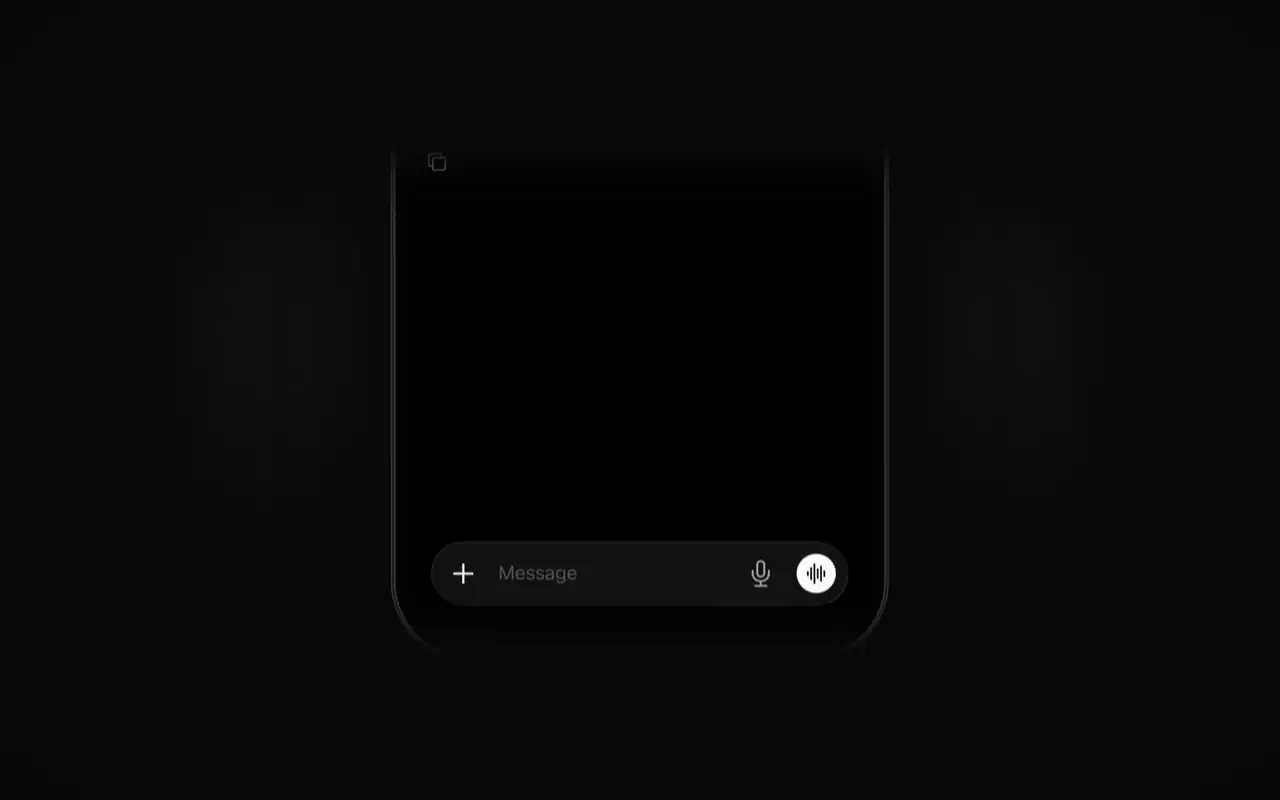
Call a session and say what you need. The agent answers out loud.
Start and steer sessions from your phone, wherever you are. Call a session and talk to the agent, or open any session to pick up where you left off, all on OpenCode running on your own computer.
Call a session and say what you need. The agent answers out loud.

Open any session to see where it is, then pick up where you left off.

The call tells you what changed once the work you asked for is done.
OpenCode Mobile is a remote for OpenCode on your computer. Your sessions keep running there; the app shows them and lets you steer them.
opencode pair --remote--remote connects through an OpenTunnel address, so it works from any network. On the same Wi-Fi, run opencode service set hostname 0.0.0.0 once, then opencode pair.
Mobile is new. Its updates will appear here.