본문으로 건너뛰기

Terminal

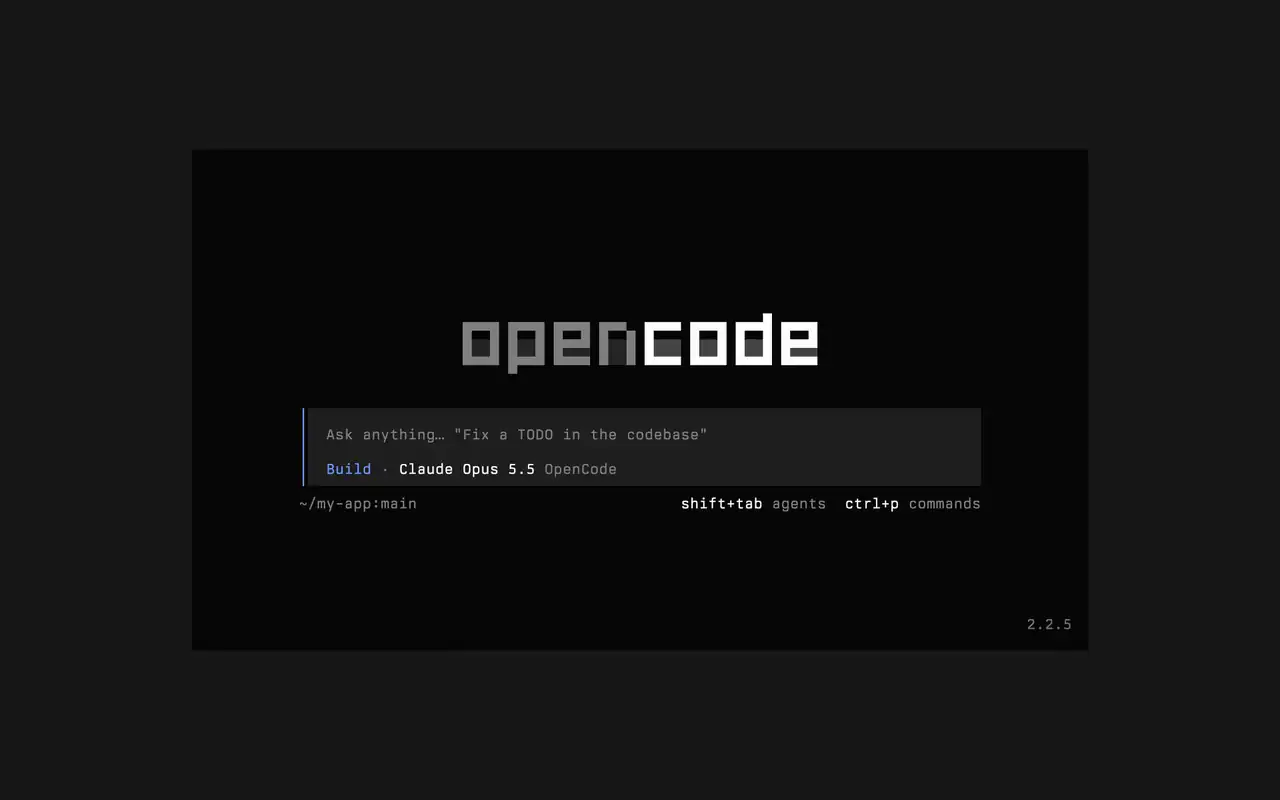
어떤 셸, 에디터, 원격 서버에서도 동작하는 빠른 터미널 UI입니다. 원하는 것을 평소 말투로 설명하고, 편집이 diff로 반영되는 모습을 지켜보고, 스스로 실행될 명령어를 직접 정하세요.

기능

평소 말투로 요청

원하는 것을 입력하면 에이전트가 작업하면서 계획을 보여 줍니다.

실행할 것만 승인

편집은 diff로 표시되고, 명령어는 허락을 기다립니다.

내 취향대로

기본 테마부터 tokyonight까지, 키 하나로 테마를 바꾸세요.

Mini

opencode mini를 실행하면 답변이 내 스크롤백에 출력됩니다.

  • 모든 터미널어떤 셸, 에디터의 터미널, 원격 서버에서도 동작합니다.
  • 타임라인 속 diff에이전트가 편집할 때마다 타임라인에 diff로 표시됩니다.
  • 나중에 이어 하기-c로 마지막 세션을, -s로 원하는 세션을 이어 가세요.
  • 일회성 실행opencode run은 메시지 하나를 보내고 답변을 출력합니다.
  • 에이전트와 명령어shift+tab으로 에이전트를 바꾸고 ctrl+p로 모든 명령어를 여세요.
  • 자동 승인--auto로 실행하면 거부하지 않은 모든 작업을 허용합니다.
  • 모든 서버--server로 URL을 지정해 OpenCode 서버에 연결하세요.
  • 사용 통계opencode stats는 공유할 수 있는 사용 통계를 보여 줍니다.

  • curlcurl -fsSL https://opencode.ai/v2/install | bash
  • npmnpm install -g @opencode/cli
  • bunbun install -g --trust @opencode/cli
  • brewbrew install anomalyco/tap/opencode-v2
  • paruparu -S opencode-beta

변경 내역

  1. v2.2.6

    Added Scroll on send in Settings

    Added Scroll on send in Settings. Choose Keep (session.submit_scroll: "keep") to retain your reading position after submitting a prompt.#61460

    수정 사항

    • TerminalAllow Ctrl+Z to suspend OpenCode while a form or dialog is open.#62118
    • TerminalKeep focus on an open dialog when a question arrives and contain plugin dialogs that throw during rendering.#60365#62110
    • TerminalShow an error when Ctrl+V cannot read the clipboard. Thanks @jimmyallinai.#61094
    • TerminalPrevent session titles containing newlines from crashing the TUI. Thanks @vishalshekhar.#57523
    6개 더 보기 수정 사항
  2. v2.2.5

    The connect menu no longer lists MCP servers

    The connect menu no longer lists MCP servers, which are managed in their own place.#60675

  3. v2.2.4

    Preserved prompt cursor styles applied by plugins when themes or unrelated prompt state change

    수정 사항

    • TerminalAdded missing right padding to edit and patch diffs.#60614
    • TerminalExtended the vertical session-tab activity pulse across the full tab width.#60338
전체 업데이트 보기